
From Amount Due to Payment Received
Online payments work directly with the openSIS Billing & Finance workflow. Once a fee or payment request is created, students and families can pay electronically, while openSIS keeps the resulting payment connected to the student's account.

Charge or Request
Create a fee or payment request.

Pay Online
Students and families pay electronically.

Payment Processed
The payment is securely processed by your configured provider.

Account Updated
The payment is applied to the student's account in openSIS.

Payment Tracked
Stay informed with real-time tracking and reporting.

One continuous flow—from asking for payment to knowing it has been received.

Let Families Pay From Where They Already Are
Students and families don't need a separate system just to take care of school payments.
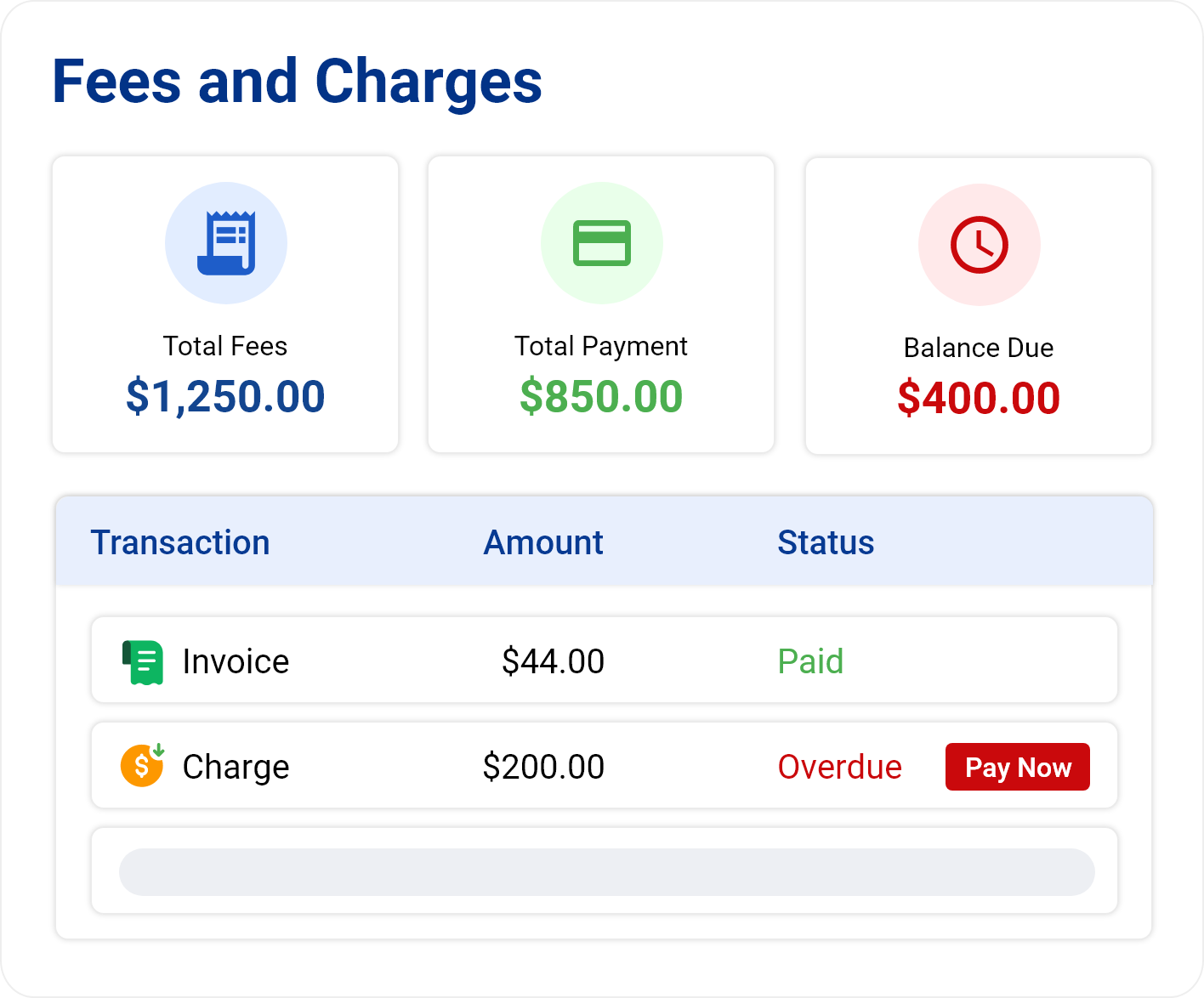
They can view fees, invoices, money requests, outstanding balances, and other financial activity from their openSIS portal and make payments against what they owe.
The billing experience is also available through the openSIS mobile app, making it easier to stay on top of payments wherever they are.
Collect a Specific Payment With a Simple Request
Not every payment needs a full billing process.
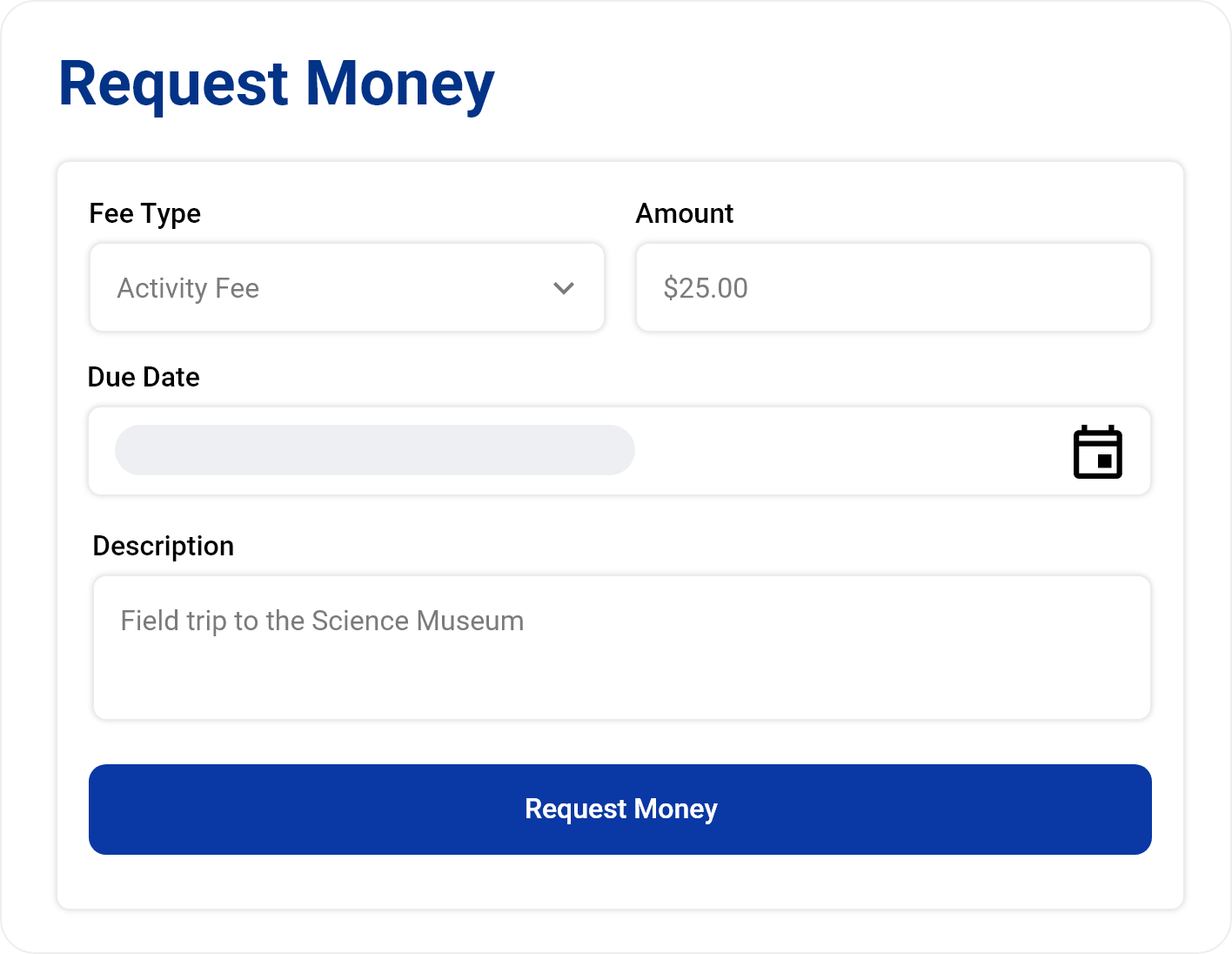
When an institution needs to collect money for a specific item, administrators can create a money request with the fee type, due date, and description.
A payment link can be sent to the parent associated with the student or, when needed, directly to the student—creating a straightforward path from request to payment.


Choose the Payment Provider That Works for You
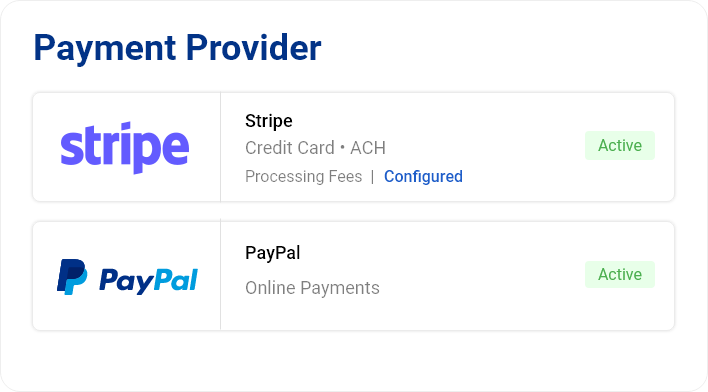
openSIS integrates online payment acceptance directly into the system, giving institutions flexibility in how they collect electronically.
Stripe : Accept online payments through Stripe, including credit card and ACH payment options. Institutions can activate their Stripe sub-account from openSIS and configure how applicable processing and convenience fees are handled.
PayPal : Institutions can also configure PayPal as their online payment provider, offering another familiar way for students and families to pay electronically.
Keep Payments Connected to Billing
Collecting money is only part of the job. Knowing what that payment was for matters just as much.
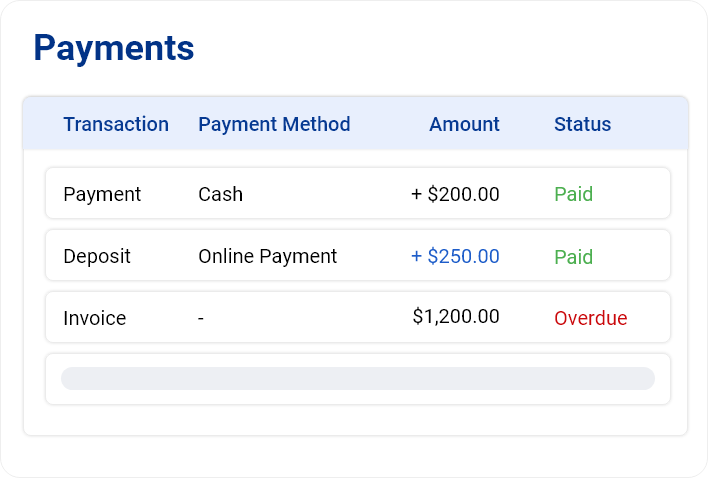
Because Online Payments works with openSIS Billing & Finance, payments stay connected with the student's fees and financial activity. Students can see what they have paid and what remains due, while administrators retain visibility into collections.
No separate trail to piece together later.

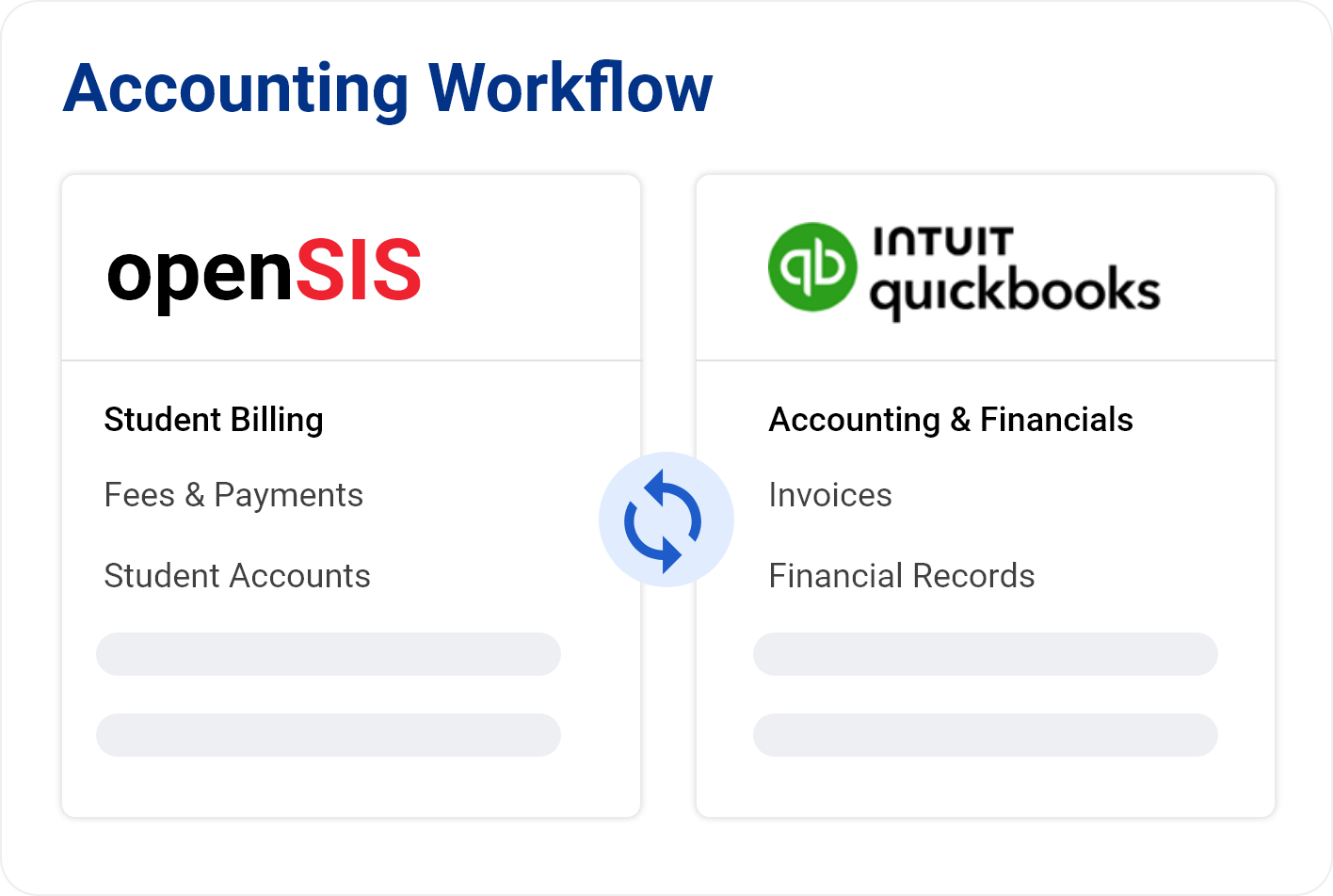
Connect Student Payments With Your Accounting Workflow
openSIS also integrates with Intuit QuickBooks, helping institutions connect student financial activity with their broader accounting processes.
This creates a bridge between day-to-day student billing in openSIS and the accounting tools used by the institution.
See How Your Institution Gets Paid
Payment activity contributes to the financial visibility available within openSIS.
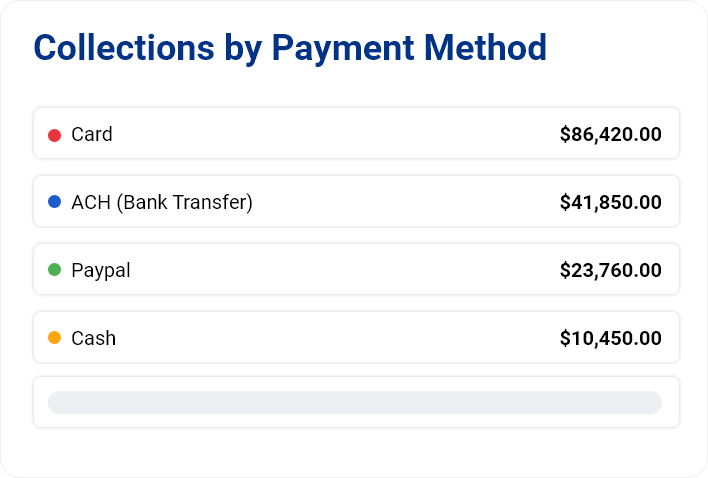
Administrators can see collections by payment method, monitor amounts received, identify overdue balances, and follow collection activity over time from the Billing & Fees dashboard.
So online payment isn't just easier to collect—it's easier to track.
A Simpler Payment Experience, Connected From End to End
For families, paying should be straightforward. For staff, recording and tracking those payments shouldn't create more work. openSIS brings the two sides together with online payment options that work directly with student billing.
Easy for families to pay. Easier for schools to keep track.